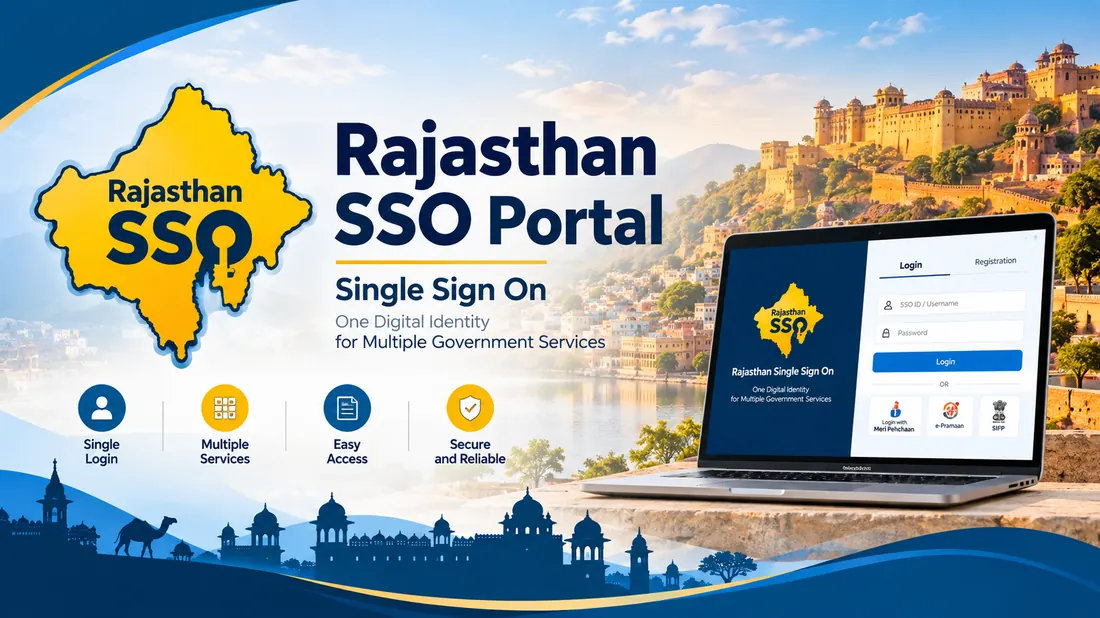
राजस्थान सरकार द्वारा राज्य के नागरिकों, युवाओं, व्यापारियों और कर्मचारियों के लिए एसएसओ (Single Sign-On - SSO ID Rajasthan) पोर्टल की शुरुआत की गई है। इस पोर्टल की मदद से आप घर बैठे 100 से अधिक सरकारी योजनाओं और ई-मित्र सेवाओं का लाभ उठा सकते हैं।
e-Mitra Citizen Services
Jan Aadhaar Scheme Linking
RPSC & RSMSSB Recruitment (OTR)
Raj-Kaj & E-Office Portal
RajSSO - Direct SSO Access Portal Links
Select your required service below to open the official Rajasthan Government portal directly:
The Rajasthan Single Sign-On portal brings state department websites into one login window at sso.rajasthan.gov.in. The Department of Information Technology & Communication (DoIT&C) built the platform for residents, business owners, and government staff across Rajasthan.
You use one username and password, called an SSO ID, instead of creating separate accounts for each department. That single login opens land records on Apna Khata, recruitment forms for RPSC and RSMSSB, scholarship applications, e-Mitra billing, and helpline tickets on Rajasthan Sampark 181.
Key Objectives & Citizen Use Cases
The system cuts out repeat paperwork and lets citizens reach state services directly from home:
Identity
Single Digital ID
One username and password gives you access to 100+ state government portals.
Recruitment
Online Exam Applications
Apply for RPSC civil services, REET, Patwari, Police Constable, and CET exams with one-time registration (OTR).
Public Services
e-Mitra & Certificates
Apply for bonafide residence, caste, income, and domicile certificates from home without visiting physical kiosks.
Who Can Create a Rajasthan SSO ID?
The portal divides accounts into three user groups:
Individual
1. Citizen (नागरिक)
Open to Rajasthan residents, students, and job seekers. You will need your Jan Aadhaar Card, or a Google Account if you live outside the state.
Enterprise
2. Udyog (उद्योग)
For shops, factories, and registered companies. You will need a Business Registration Number (BRN) or Udyog Aadhaar.
State Employee
3. Govt. Employee (कर्मचारी)
For Rajasthan government staff. Requires an active SIPF number and employee password.
How to Register a New SSO ID (Step-by-Step Guide 2026)
Follow these steps to set up your account:
1
Open the Registration Page
Go to https://sso.rajasthan.gov.in/register in your browser.
2
Choose Your Category
Select Citizen, Udyog, or Govt. Employee based on your account type.
3
Verify via Jan Aadhaar or Google
If you live in Rajasthan, enter your 10-digit Jan Aadhaar number and verify with the mobile OTP. If you do not have Jan Aadhaar, sign in with your Google account.
4
Pick a Username
Type your preferred username. The page will show a green check mark once it confirms the name is available.
5
Set Password & Submit
Enter a password with uppercase letters, numbers, and symbols. Confirm your mobile number and click Register. You will get an SMS with your new login details.
How to Login to Rajasthan SSO Portal (`sso.rajasthan.gov.in login`)
Explore the most widely utilized applications integrated within the unified portal:
Citizen Services
e-Mitra Services
Pay utility bills, apply for caste, domicile, and income certificates, submit revenue applications, and access 500+ government services online.
Recruitment & Exams
RPSC & RSMSSB Recruitment
One-stop application console for REET, Patwari, Police Constable, CET, RAS, and state competitive examinations with admit cards and answer keys.
Education & Grants
Scholarship Portal (SJMS)
Post-matric scholarships for SC, ST, OBC, EBC, and minority students administered by the Social Justice and Empowerment Department.
Revenue & Land
Apna Khata (E-Dharti)
Check Jamabandi Nakal, Bhunaksha, Khasra numbers, and verify land ownership online with official digital signatures.
Health Care
Chiranjeevi Swasthya Bima
Cashless health treatment across empaneled public and private hospitals under Chief Minister Ayushman Arogya Yojana.
Police Verification
Rajasthan Police Citizen Portal
Apply for police character verification certificate, tenant verification, domestic help checks, and track FIR status in real time.
एसएसओ राजस्थान (RajSSO) Portal – Quick Search Terms & Hindi Guide
राजस्थान सरकार द्वारा राज्य के नागरिकों, युवाओं, व्यापारियों और कर्मचारियों के लिए एसएसओ (Single Sign-On - SSO ID Rajasthan) पोर्टल की शुरुआत की गई है। इस पोर्टल की मदद से आप घर बैठे 100 से अधिक सरकारी योजनाओं और ई-मित्र सेवाओं का लाभ उठा सकते हैं।
अक्सर उपयोगकर्ता अलग-अलग सर्च क्वेरी जैसे sso rajasthan, rajsso, sso login, ssoid registration rajasthan या raj sso id लिखकर पोर्टल खोजते हैं। नीचे मुख्य सर्च विषयों की स्पष्ट गाइड दी गई है:
Search Query / Term
Primary Intent & Official URL Guide
Direct Official Action
sso rajasthan / sso raj
राजस्थान सिंगल साइन ऑन मुख्य वेब पोर्टल। नागरिक यहाँ से सीधे अपना sso id open कर सकते हैं।
what is sso id rajasthan & how to create sso id rajasthan
एसएसओ आईडी क्या है और इसे कैसे बनाएं? यह राजस्थान सरकार की एकल पहचान प्रणाली है जिसे जन आधार या जीमेल से 5 मिनट में बनाया जा सकता है (create sso id rajasthan)।
Many applicants search using alternative terms across the state. Common variations include www sso id, www sso raj, www sso rajasthan, sso government, sso id rajasthan government, sso id in rajasthan, raj sso rajasthan, and rajasthan single on.
Whether you entered ssoid raj govt, raj ss0, rajasthan ssoid login, ssid rajasthan, sso id raj gov in, sso govt in, ss0 rajasthan government in, sso rajasthan in, sso rajasthan com, ssoid in, ssoid id, or sso id l, all official citizen transactions occur securely under the central umbrella of sso.rajasthan.gov.in.
Troubleshooting Common RajSSO Login & Portal Errors
Error Encountered
Underlying Cause
Recommended Solution
"Password Expired"
Mandatory 180-day security policy enforcement
Click the prompt, type current password, establish a new compliant password, and confirm via mobile OTP.
"Invalid Username or Password"
Typographical mistake or incorrect casing
Verify Caps Lock. Check for accidental spaces during copy-pasting. If persistent, initiate password reset.
"OTP Not Received"
Telecom delay or outdated mobile linkage
Wait 60 seconds and request resend. Ensure SIM has active network coverage. If mobile number changed, update Jan Aadhaar first.
"Account Temporarily Locked"
Multiple consecutive failed sign-in attempts
Wait 30 minutes for the automatic cooldown, or reset password immediately using the SMS gateway code RJ SSO PASSWORD to 9223166166.
"Session Timed Out / Stale Token"
Multiple tabs or idle browser session
Clear browser cookies and cache, close duplicate tabs, and reload sso.rajasthan.gov.in in a fresh private window.
Official RajSSO Helpdesk & Support Contact Details
If you encounter technical glitches on the official government website, reach out directly to the DoIT&C state support team:
Support Telephone:0141-5123717 / 0141-5153222
Official Support Email:helpdesk.sso@rajasthan.gov.in
State Citizen Grievance Helpline: Dial 181 (Toll-Free in Rajasthan)
Office Location: Department of Information Technology & Communication (DoIT&C), IT Building, Yojana Bhawan, Tilak Marg, C-Scheme, Jaipur, Rajasthan – 302005.
Important Disclaimer & Verification Notice
RajSSO.com is an independent informational and educational portal created to assist citizens, job aspirants, and business owners in understanding the Rajasthan Single Sign-On ecosystem. This website is NOT affiliated with, authorized by, or associated with the Government of Rajasthan or DoIT&C. We never collect passwords, Aadhaar numbers, or confidential user credentials. For official transactions and secure services, always visit the official government domain: sso.rajasthan.gov.in.
Frequently Asked Questions (FAQs)
An SSO ID is your single login account for Rajasthan state websites. Instead of signing up on multiple portals, one username and password gives you access to e-Mitra, RPSC exam forms, scholarship applications, and land records at sso.rajasthan.gov.in.
Go to sso.rajasthan.gov.in/register and click the "Citizen" tab. Enter your Jan Aadhaar number or sign in with your Google account. Verify the mobile OTP, pick an available username, set a password, and submit. You will get an SMS with your new login details.
Click "Forgot Password?" on sso.rajasthan.gov.in. You can reset it using an OTP sent to your registered mobile number, email, or Jan Aadhaar. You can also send an SMS with "RJ SSO PASSWORD" to 9223166166 from your registered mobile.
Click "Forgot SSO ID (Search)" on sso.rajasthan.gov.in. Enter your Jan Aadhaar number, registered mobile number, or Google email. Once you verify the OTP, the portal texts your username to your phone.
The system requires users to change their password every 180 days. Click the prompt, type your current password, set a new one, verify the mobile OTP, and log back in.
No. RajSSO.com is an independent informational guide. The official Rajasthan Government portal is sso.rajasthan.gov.in.